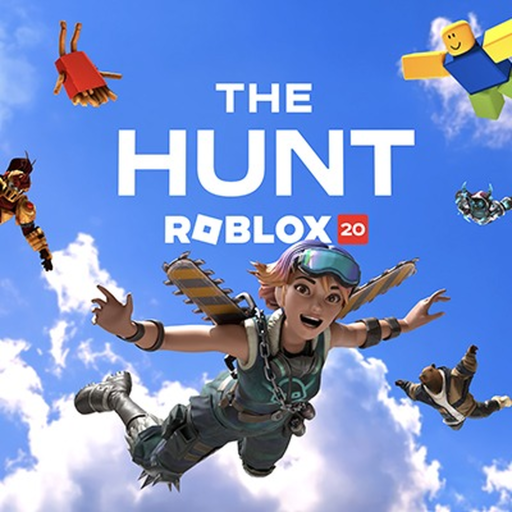
The Hunt Roblox 20 Beginner Guide
Start in Year Zero, complete your first featured quest, and verify that returning to the hub unlocks your next year and avatar reward.
Start The Hunt: Roblox 20 in its official event hub, beginning with Year Zero. Your first useful goal is one completed featured quest followed by a return to the hub: that return unlocks the next historical year and an exclusive virtual item.
Watch the historical-event walkthrough to recognize the transition between a featured game and the anniversary hub. Follow your own unlocked year rather than jumping to whichever game appears furthest along in the recording.
Make the first visit easy to resume
Open the official Roblox experience and check that you are joining The Hunt: Roblox 20. Keep its page available while playing a featured game; it gives you a reliable destination when that game has no obvious event return control. You are building a chronological route through 2006–2025, not collecting unrelated badges from ordinary gameplay.
Before entering a portal, note the year and game it represents. Read the featured game's event instruction before performing its normal activities. A familiar game can have a separate anniversary objective, so earning a routine achievement should not be treated as proof that the event quest is finished.
Close one loop before chasing another
- Complete the task shown for your available historical year.
- Look for the featured game's event completion confirmation.
- Return to the anniversary hub using an available event return option, or reopen the official hub experience.
- Inspect the next year's availability and the newly unlocked virtual item.
These checks separate three different outcomes: finishing a task, having the hub recognize that finish, and seeing the corresponding reward. If only the first has happened, stay focused on the return and verification step rather than repeating the entire quest immediately.
| What you see | Next useful action |
|---|---|
| A featured quest is still running | Finish its event objective before leaving. |
| The game confirms completion | Return to the anniversary hub and inspect progression. |
| The next historical year opens | Continue with that year; your first loop has succeeded. |
Choose the next reading by your obstacle
Use the gameplay overview if you want to understand the historical route and its later Year Infinity extension. Use the quest index when you need the featured game for a particular year. A phone player should check mobile support before assuming every participating experience behaves identically on their device.
A sensible stopping point is just after the hub has recognized a finished year. Note that year before ending a session, then compare it with the hub when you return. This is a personal tracking method, not a promise that an unfinished task inside a featured game will save.
Beginner questions
Do I need to understand all twenty games first?
No. Learn the instruction for your available quest, complete it, and confirm its result in the hub. The chronological unlock structure lets you concentrate on one historical stop at a time.